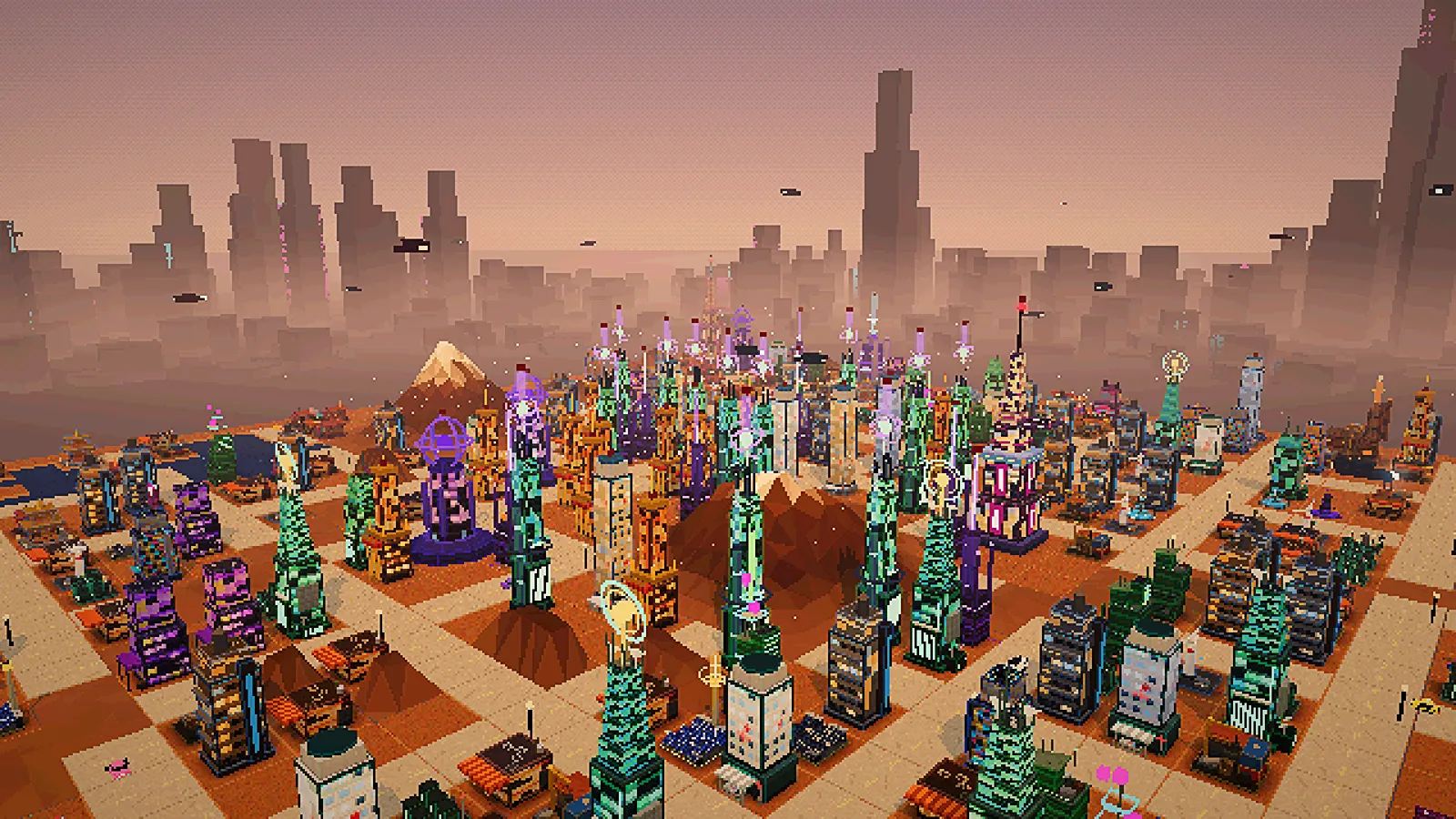
Arcology is a free city builder you play in the browser: you grow a cyberpunk district from a few shacks to a landmark megastructure while three factions pull at you. A careful player can finish a campaign in about 15 to 20 minutes; a first game usually takes longer. This guide walks you through it.
1. Pick a world
There are three worlds, each with its own map, story and final goals: Decayed (badlands), Corporate (a harbour) and Rebellion (canyons). Any of them is fine for a first game. The worlds guide explains how they differ.
2. Place a Shanty and lay a road
You start with ¢200. Open Buildings at the bottom of the screen and put down a Shanty (¢50): a home for 40 people, who move in over the next minute. Then tap Roads and drag a short street next to it (¢20 a tile).
The one rule to remember: a building needs a road within 2 tiles or it produces nothing at all. A road directly beside it adds +20% to everything it makes, the cheapest bonus in the game.
3. Earn your first credits
Add a Junk Dealer (¢80) or a Noodle Bar (¢120) for income. Shops need workers: one resident in ten works, so keep building homes as you add shops. The top bar shows credits per second (NET); the campaign card in the top-left corner tells you what to do next, and a gold line under it says what is holding you back.
Broke with nothing earning? The city sends a small relief payment until you can afford a road or a Shanty, so you can never get stuck.
4. Grow into Tier 2
Population is the people living in your homes, and it only grows while homes have room: build more homes to grow. Food Stalls, clinics and parks make people move in faster, but add no homes. New buildings unlock as your population grows: the Capsule Hotel at 25 people, the Apartment Block at 50. Tier 3 buildings need 200 people (and some need data). Put a Med Centre near your homes (homes with no clinic in reach only fill to 75%) and a Fire Station (¢300) so a fire cannot take your buildings; press C to see what they cover. Mix homes, shops and a little decoration: a wall of one kind of building pushes one faction too far (see factions).
5. Upgrade and buy land
Most buildings can be upgraded three times: the first level (×1.8 output) costs about a third of the building, the third reaches ×3.4. Each level is a better buy than another copy: it needs no new land, workers, power or upkeep. Homes gain homes, generators and relays supply more, and clinics and fire stations reach further. Land gets dearer with every district you buy (¢2,000 for the first), so build up as well as out.
6. Answer the city and open the data stream
Story cards arrive from ten characters: two choices, each moving the faction meters. Then build a Comm Tower for data, with a Relay Node to give it bandwidth. Power, workers and bandwidth all cap your output; the infrastructure guide explains them.
7. Finish the landmark goals
Each world asks for a population, an income and one landmark building (the Arcology, a Mega Corp Tower or an AI Research Lab), plus Run it well: almost every building online, and staffing, power and bandwidth at 60% or better. Meet them all to win, then keep building in endless mode. Share then challenges a friend to beat your time on the same map.
Five mistakes new mayors make
- Buildings with no road. They cost upkeep and make nothing. Look for the red ▲ sign.
- Shops without homes. Short staffing slows every shop and factory.
- One small generator. Your first generator takes you off the corporate grid; if it is too small, all output drops to match. The placement bar warns you.
- Ignoring the faction meters. Any meter at 0 or 100 ends the run.
- Building the landmark before the power and bandwidth for it. The Arcology alone needs 160 power and 220 bandwidth.